
UneBrief:
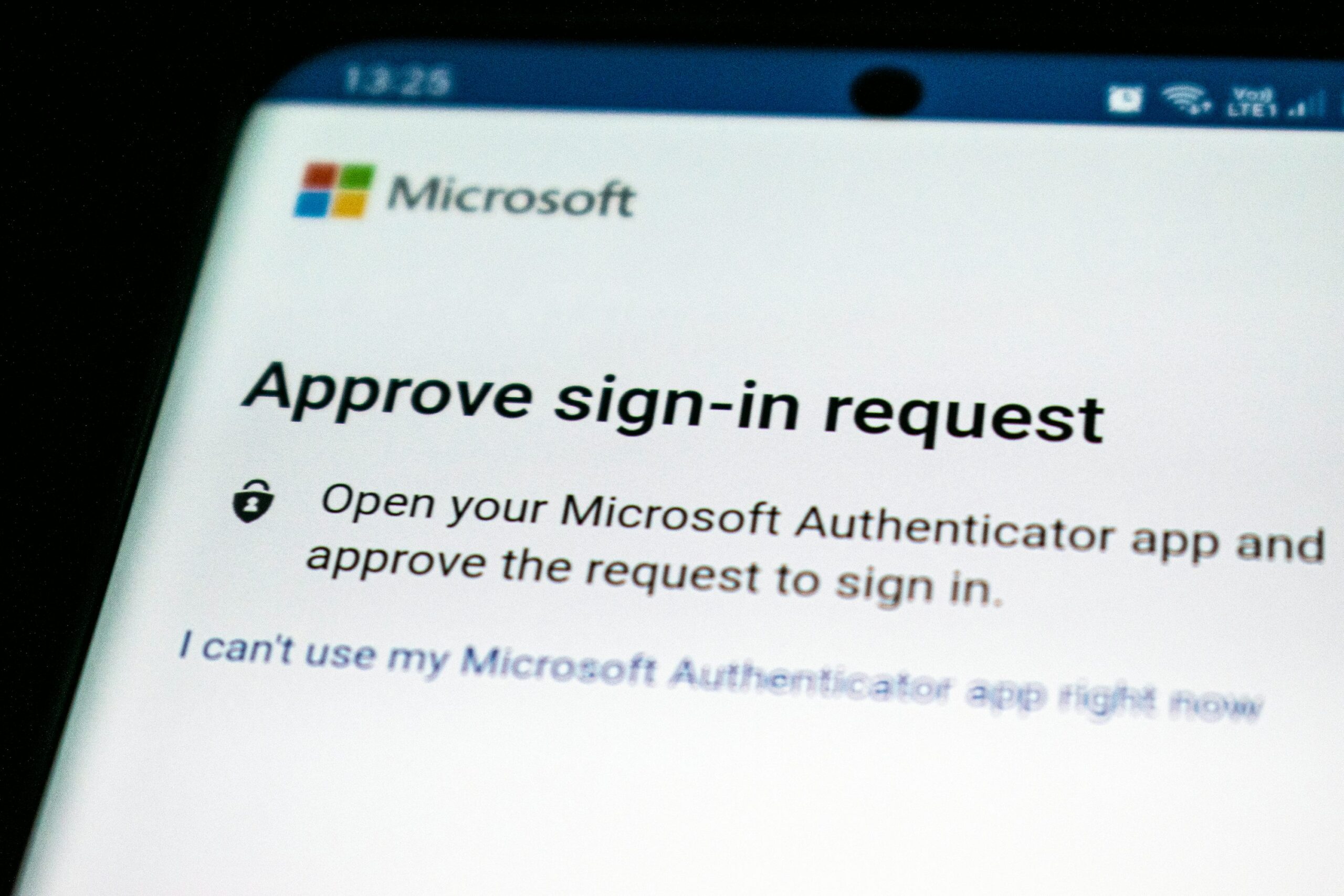
- Microsoft’s MFA Requirement: Starting in October, Microsoft will mandate multifactor authentication (MFA) for all users accessing key portals like Azure, Entra, and Intune, as part of their Secure Future Initiative.
- Future MFA Expansion: By early 2025, MFA will also be required for tools like Azure CLI, PowerShell, and other infrastructure tools.
- Importance of MFA in Cybersecurity: MFA is crucial in preventing cyberattacks, as highlighted by recent breaches in systems without MFA protection.
- Flexible MFA Options: Microsoft offers several MFA methods, including Microsoft Authenticator, FIDO2 keys, and more, allowing businesses to choose the best fit for their needs.
- Unebyte’s Support: Unebyte is ready to assist businesses in implementing these new requirements, ensuring a smooth transition and enhanced security.
Unebyte’s Perspective on Microsoft’s MFA Mandate
Beginning in October, Microsoft will require multifactor authentication (MFA) for all users accessing critical platforms such as the Azure portal, the Microsoft Entra admin center, and the Intune admin center. This initiative, a cornerstone of Microsoft’s Secure Future Initiative, underscores the company’s commitment to bolstering cybersecurity across its extensive service offerings.
In preparation for this change, administrators have already started receiving 60-day notices, allowing them to implement the necessary MFA configurations. For businesses facing complex IT environments or other technical challenges, Microsoft has indicated a willingness to consider requests for additional time to ensure a smooth transition.
This mandatory MFA requirement will not be limited to the current set of platforms. By early 2025, Microsoft plans to extend MFA requirements to the Azure Command Line Interface (CLI), Azure PowerShell, the Azure mobile app, and various infrastructure as code tools. This gradual rollout will help ensure that security is consistently maintained across all user interactions with Microsoft’s cloud services.
The Importance of MFA in Modern Cybersecurity
Microsoft’s decision to enforce MFA as a standard practice is a vital component of its Secure Future Initiative, launched in November as part of a comprehensive overhaul of its cybersecurity strategy. This initiative reflects Microsoft’s proactive approach to integrating essential security features directly into its services, thereby protecting businesses from the escalating threat of cyberattacks.
Microsoft CEO Satya Nadella has highlighted the importance of this shift, especially following a critical report from the federal Cyber Safety Review Board, which pointed out that Microsoft had previously prioritized speed to market over security. In response, the company is now doubling down on its security efforts, making MFA a key defense mechanism for its vast user base.
MFA is not just a security feature; it is a critical line of defense against increasingly sophisticated cyber threats. Recent high-profile attacks, including a ransomware attack on Change Healthcare and a wave of breaches targeting Snowflake customers, have underscored the necessity of MFA in preventing such incidents.
How Unebyte Can Help Your Business Adapt
At Unebyte, we recognize the significant impact these changes will have on businesses, particularly those relying on Microsoft’s platform, which serves as the backbone for many critical operations. With Microsoft holding a substantial share of the cloud infrastructure services market, the implications of this mandate are far-reaching.
Microsoft is offering various methods to comply with the new MFA requirement, including the use of Microsoft Authenticator, FIDO2 security keys, certificate-based authentication, passkeys, and text/voice-based approval. Unebyte is here to guide you through these options, ensuring that your business adopts the solution that best fits your needs.
Don’t wait until the last minute to secure your systems. Let Unebyte assist you in navigating these changes and implementing Microsoft’s MFA requirements with ease.